Backup and a new iPhone
Your trips live on your iPhone and are included in your iCloud or iPhone backup. With the unlock you can also save a backup file of your own.
Moving to a new iPhone
If you restore your new iPhone from an iCloud or computer backup of the old one, Stamp90 comes back with your trips, trackers and settings. Nothing else to do.
Save a backup file (with the unlock)
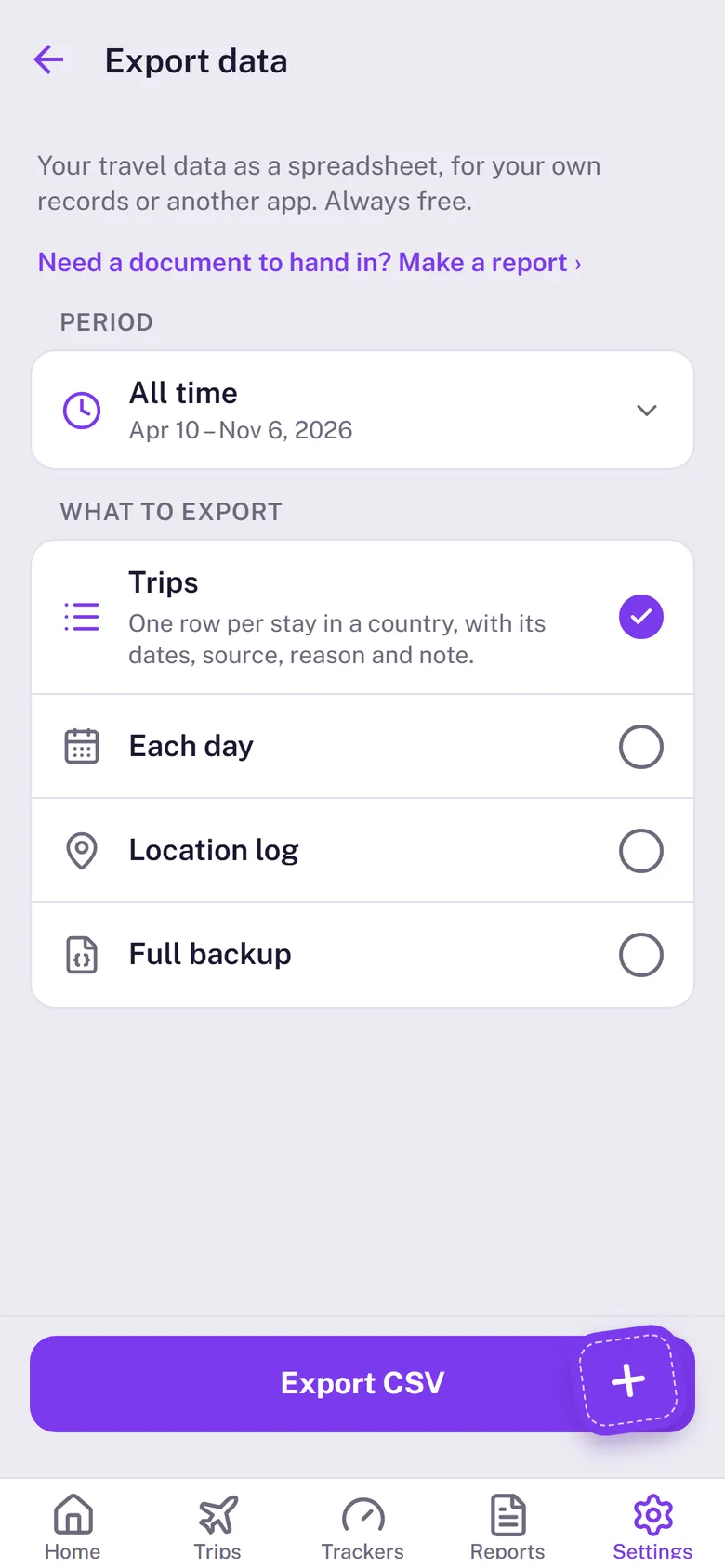
- Go to Me › Export data.
- Choose Full backup and tap Save backup.
- Save it to Files or iCloud Drive, or send it to yourself.
Restore a backup file
- Go to Me › Import › Import a file and pick the backup.
- Confirm. The backup replaces the trips, trackers, home and settings on this iPhone.
Your purchase
On a new iPhone, open Me › Unlock Stamp90 (under About) and tap Restore purchase, signed in with the same Apple Account. The unlock works with Family Sharing too.