Log trips automatically
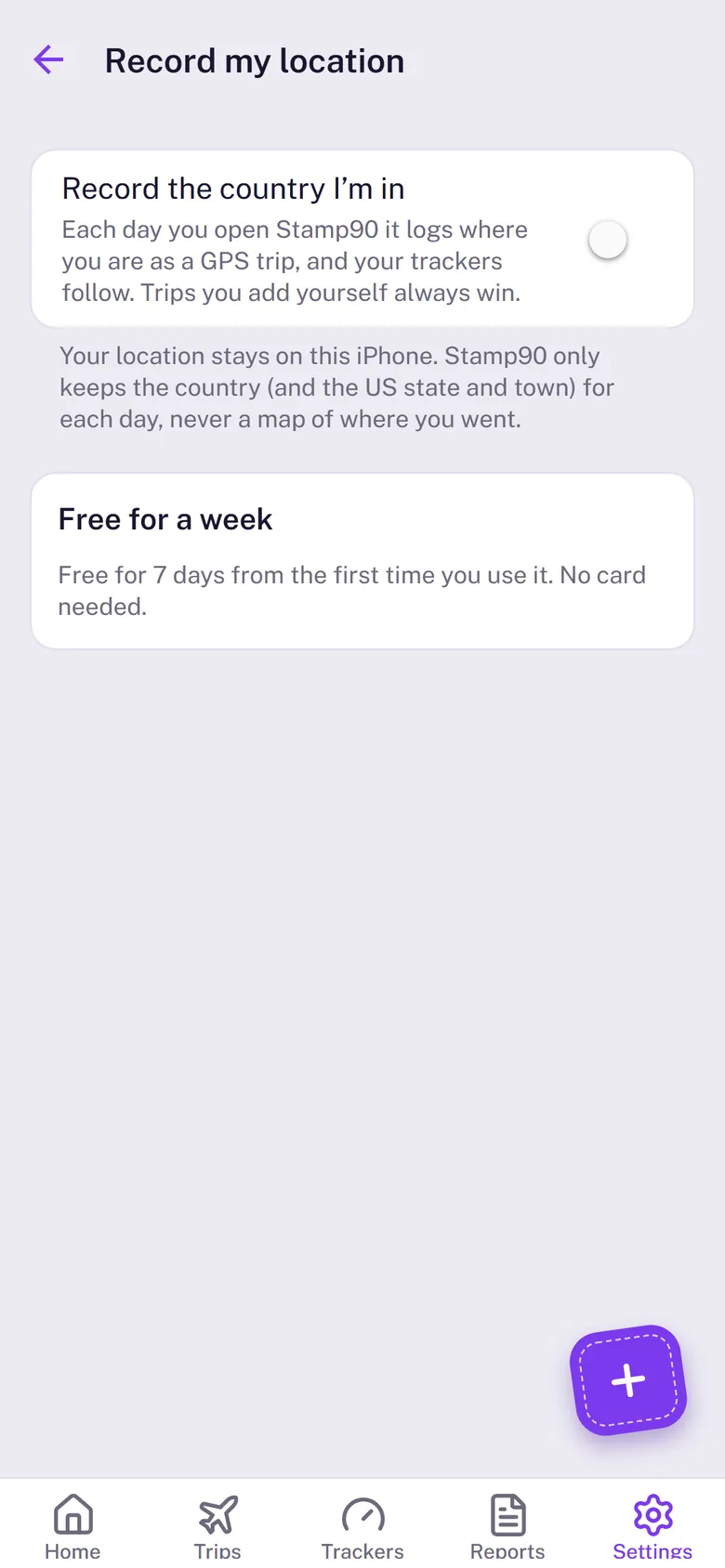
Turn on Log trips automatically and Stamp90 logs the country you’re in by itself, so your trips stay up to date without typing.
Turn it on
- Go to Me › Location and switch on Log trips automatically.
- The first time, Stamp90 offers the free 3-day trial. Tap Start free trial (it costs nothing and nothing renews).
- Allow location While Using the App, then Change to Always Allow when iPhone asks again. With Always, trips log by themselves even when Stamp90 is closed: there's no need to open it.
Battery
Stamp90 doesn’t keep GPS running. With Always, iPhone wakes it only after you’ve moved a few kilometres. It takes one rough reading from cell towers and Wi-Fi, and goes back to sleep. Most people won’t notice it.
Your data
All your data stays on your iPhone. Trips logged this way are tagged GPS with a red pin, and trips you add or change yourself always win over automatically logged days. When you arrive in a new country, Stamp90 can send a short “Welcome to …” note (Me › Alerts › Arriving in a new country).
The free trial
Automatic trip logging, photo re-sync, Play your journey on the map and the details behind every number are free for 3 days from the day you start the trial. After that they pause until you unlock Stamp90, once, with no subscription. Nothing is charged automatically, trips already logged stay, and adding trips yourself, alerts and every tracker’s answer stay free.