Reports and exports
Me › My reports turns your trips into a clear record for an application or a tax return, as a PDF, CSV or Excel file.
Make a report
- Open Me and tap My reports (or Report on a tracker’s page).
- Choose what it’s for: Visa, residency or citizenship, or Tax return or audit.
- Pick the period: the last 365 days, a year, or your own dates.
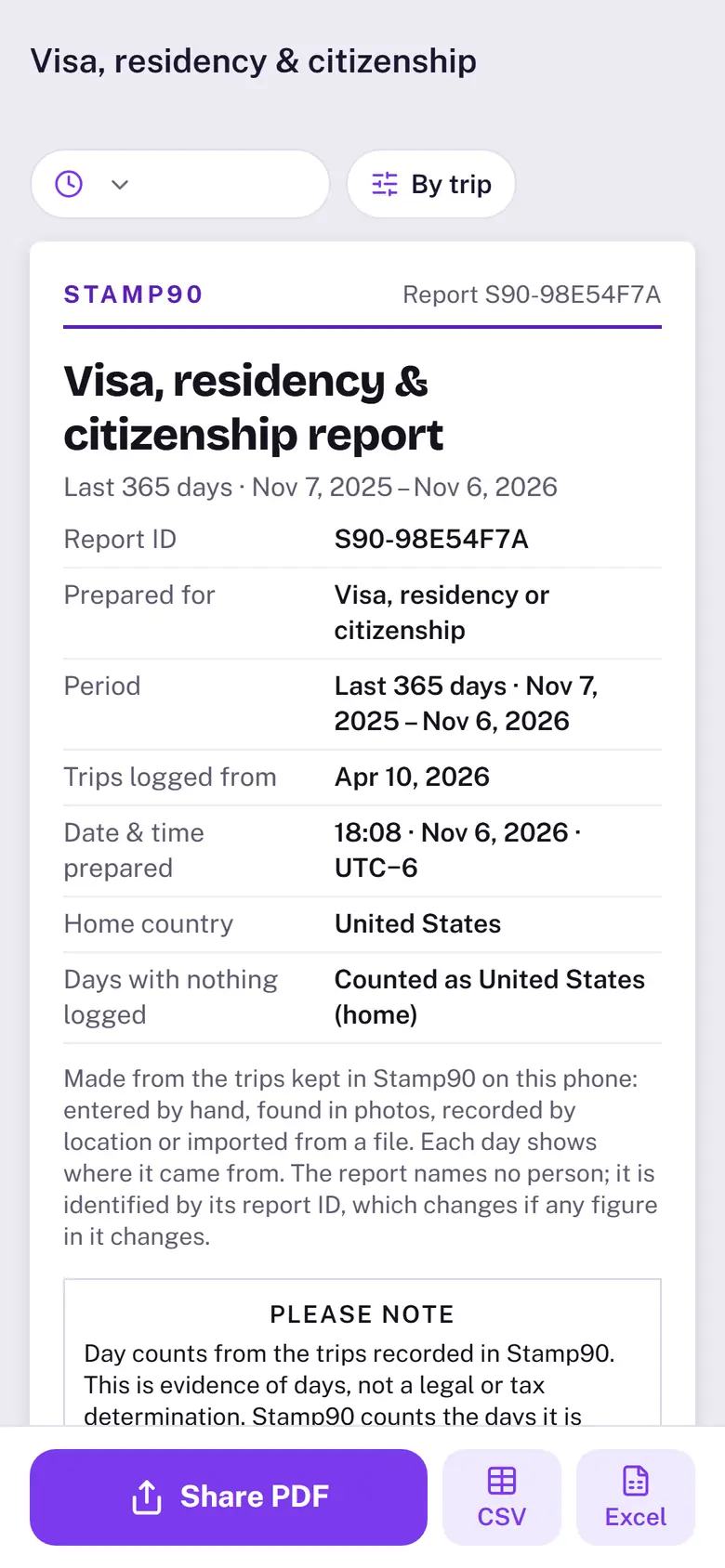
- Tap Preview report. The preview is the PDF itself, page by page: pinch to zoom, then Share PDF, CSV or Excel.
What’s in it
- Your stays with dates and days, days by country, and where each day came from (added by you, a photo, GPS, an import, or assumed home).
- Day counts for your trackers. Turn them off under Options if you only want the trips.
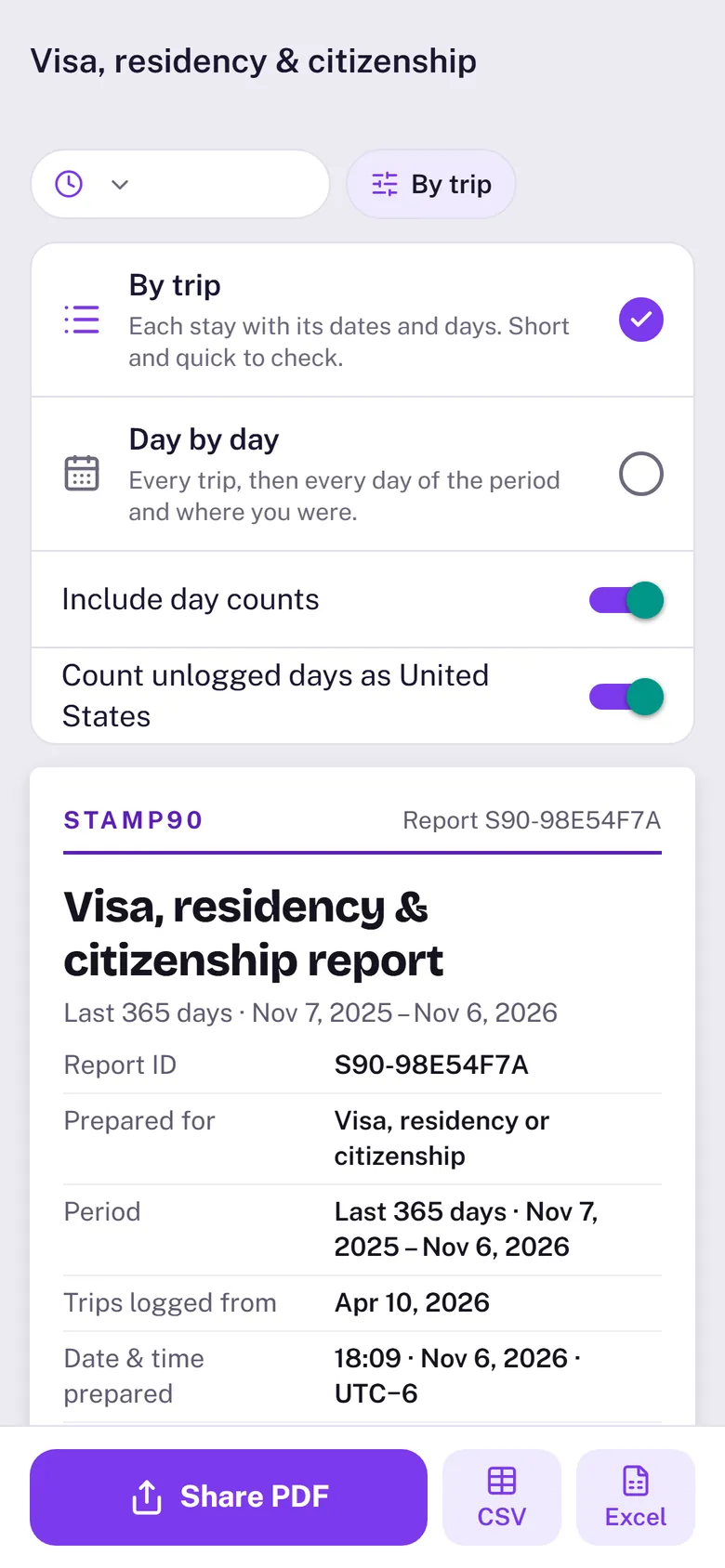
- Under Options: By trip or Day by day, and whether unlogged days count as home. Tax reports always list every day.
- A report covers days up to today. Upcoming trips aren’t included.
Sample reports and unlocking
Reports are part of the one-time unlock. Before you unlock, you can open a sample report made from example trips, marked as a sample, to see exactly what you’ll get. It never shows your own trips.
Exporting your data
With the unlock, Me › Export data saves your trips as a CSV (one row per stay or one row per day), the location log, or a full backup file. Without it, your trips are still safe: they're on your iPhone and in your iCloud or iPhone backup.