What the cards mean
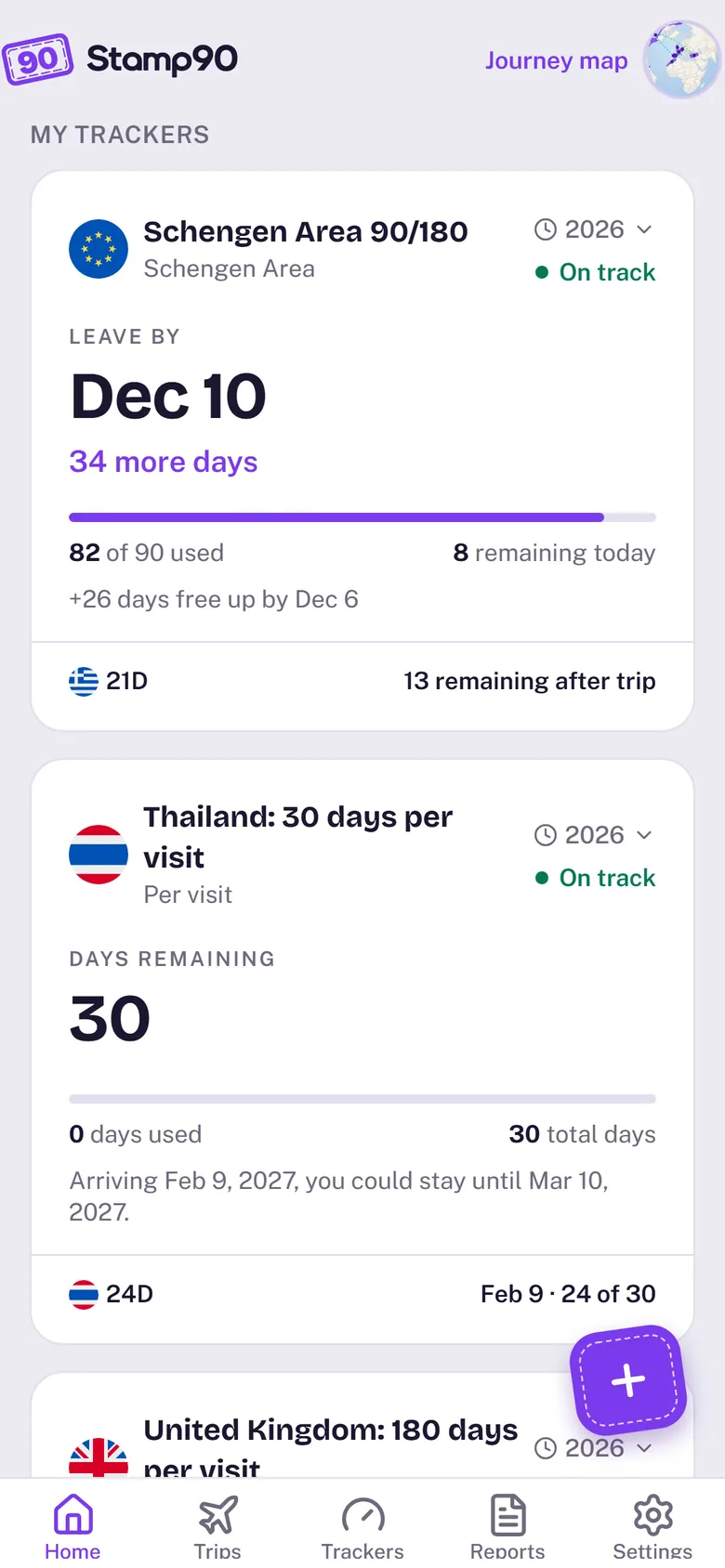
Every tracker card leads with the answer you need now, then shows the numbers behind it. Tap a card to see exactly which days it counts and why.
The headline
- Leave by Dec 13: you’re there now, and this is the last day you can stay without going over.
- Go today, stay 73 days: you’re not there. If you went today, this is how long you could stay, and the date it would end.
- 62 days remaining: for tax trackers when you’re not there, the days you can still spend before reaching the line, counted to the safe maximum (182 days for a 183-day rule).
- Be back by: for a “no absence over N days” rule while you’re away, the day you need to be home.
- 640 days counted: for goals such as citizenship, the days you have so far and how many more are needed.
The numbers under it
30 of 90 used · 60 remaining today is the count right now. The line under it says what changes next, such as France days free up Nov 8 – Dec 7: on a rolling rule like 90/180, old days stop counting one at a time, so your days come back gradually.
The status pill
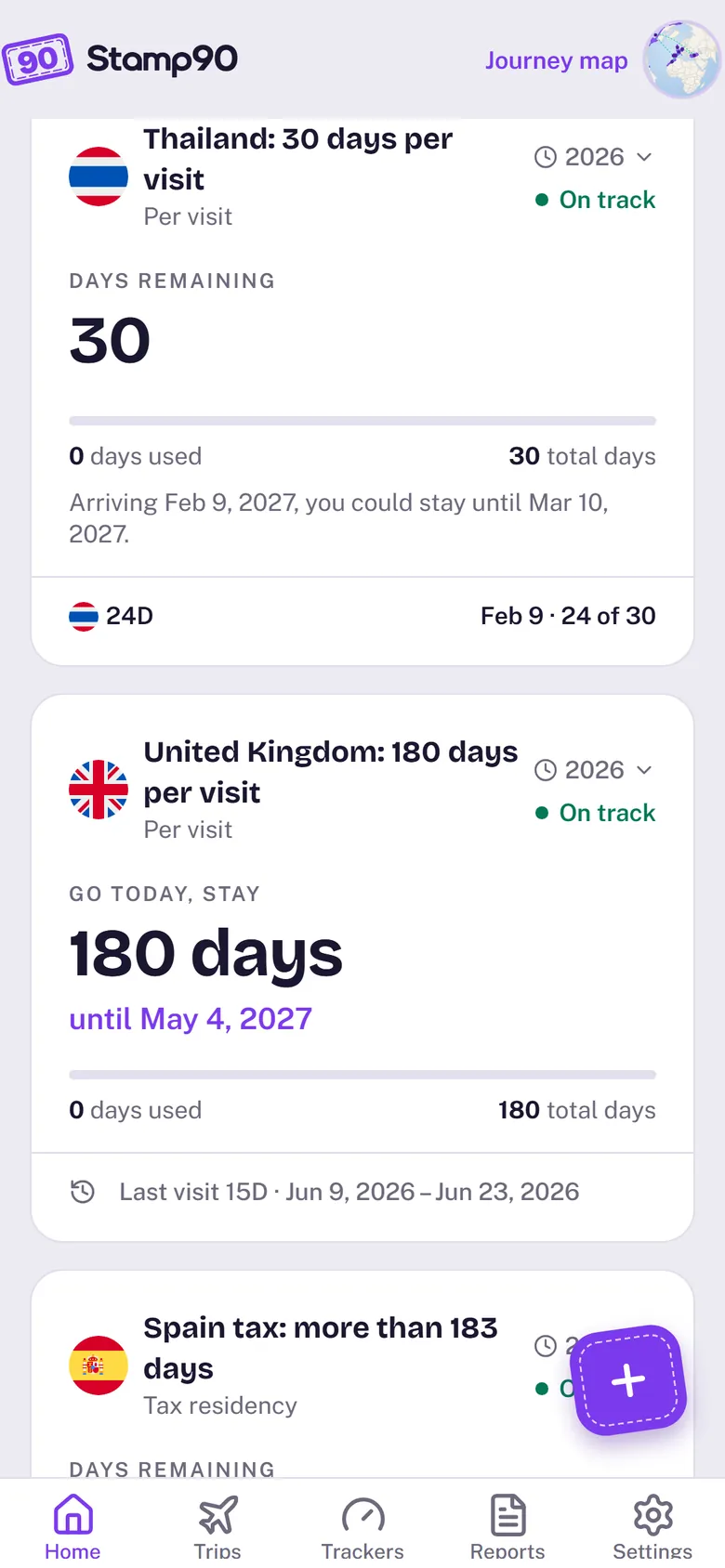
- On track: plenty of room.
- Getting close: you’re near the limit, or an upcoming trip would go over.
- Over the limit: the count is past the rule. The card shows how many days over.
- Met / Not met yet: for goals, such as days needed for citizenship.
- Add a start date / Add dates: the tracker needs one more detail before it can count.
Upcoming trips
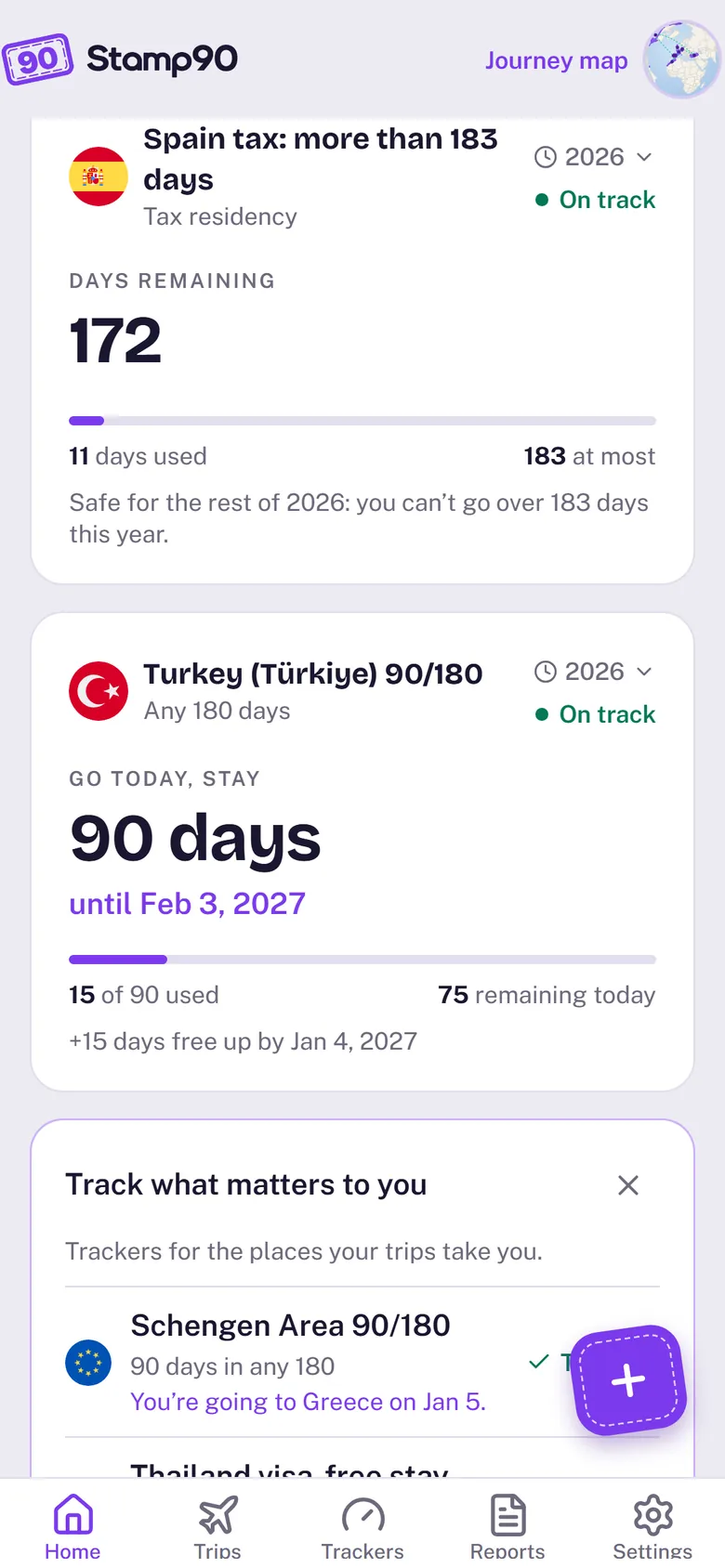
When a planned trip changes a tracker, the card adds one line naming it and where it leaves you, for example Upcoming: 8D Turkey Nov 6 – 13 · 82 remaining after it. If the trip would go over, that line turns into a red strip.
Day counts
Stays show as 35D (35 days); a one-day stay shows as 24H. A day counts if you were there at any time that day, so the day you arrive and the day you leave both count.
The year chip
Cards show This year by default. Pick an earlier year to see the tracker as it stood at the end of that period. The rule itself doesn’t change: a 90/180 rule still looks back 180 days from that date.
Arrange your cards
- Touch and hold a card to open or remove it.
- On a tracker’s page, Pin to top keeps it first on Home.
- Choose a look in Settings › Card style.